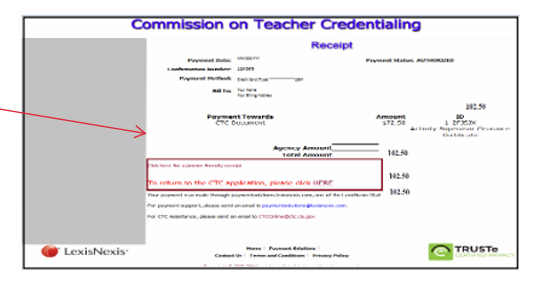
Step 1
Login to your CTC Online Account
Continue to the Educator Documents page, which will display after the Legal Disclaimer and Personal Information pages.
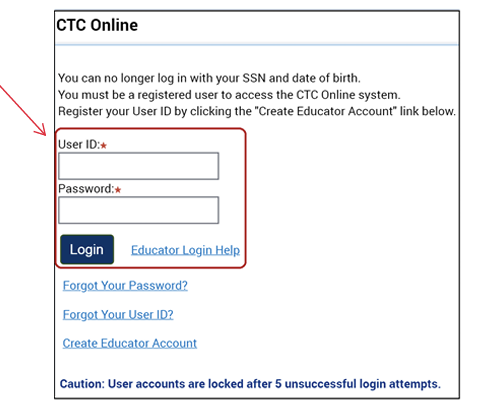
Step 2
Scroll to the bottom of the Educator Documents page and click the Complete a Certificate of Clearance or ASCC Application button.

Step 3
Select Create New to start the application

Step 4
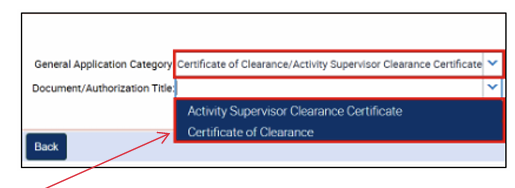
Select Category and Document/Authorization.
General Application Category:
- Certificate of Clearance
Document/Authorization Title:
- Certificate of Clearance
Click
- Next .
Step 5
Complete the Professional Fitness Questions (PFQs) and submit your payment to complete the online application.